#photoshop
New Portfolio site
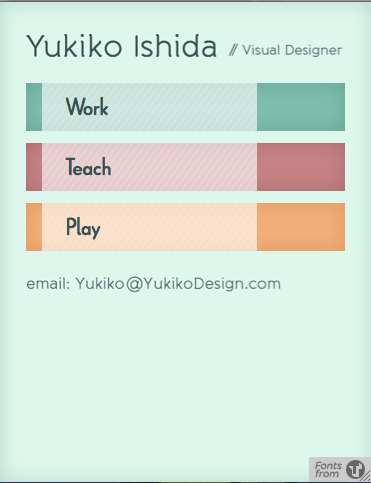
Working on a new personal site design. I decided against wordpress since it takes too long for me to go through and update all the templates to my wishes. One of the new things I’m trying is responsive design and CSS3. Try resizing the window… New homepage (work in progress)
Band Album Cover: Pogonomys Championi
I finally decided to try my hand at the music album cover design challenge. The rules make it so that you get a random picture, band name and song title and then design a cover for such a selection. Ivan describes the exact rules in his post. Here is my cover art for Pogonomys Championi, …
Photoshop CS3+ Letterpress Tutorial
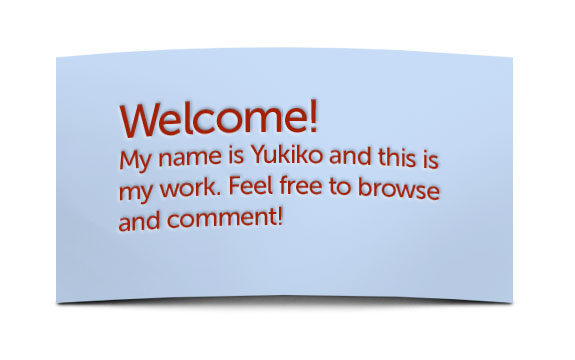
Here is a simple way to get a letterpress effect in Photoshop CS3 and above.
To summarize, you apply a bevel and emboss layer style to the area around the ‘imprinted’ art. For this tutorial, I will show how to make the effect and then use smart objects to warp it non-destructively. Continue readingPhotoshop CS3+ Letterpress Tutorial
Tonight’s sketch
I should be asleep now but I was having too much fun sketching in photoshop… Just a reminder to everyone to have fun every now and then.
Writing files from Mac to NTFS hard drive
I’m at work needing to transfer files from my Mac to my NTFS hard drive. The file system normally allows the drive to be read but unable to write to. There’s too many complicated tutorials/forum posts so I’m making it simple for myself and hopefully others here. 2 downloads and no funky terminal stuff. Download …
Continue reading “Writing files from Mac to NTFS hard drive”
Before and After?
I have no idea how this happened. Somhow the png got really messed up…
Reflections- Before & After
Before After